

Payments

Managing your payments should be simple, flexible, and built around your life. Explore the tools designed to make paying and managing your money easier, wherever you are.
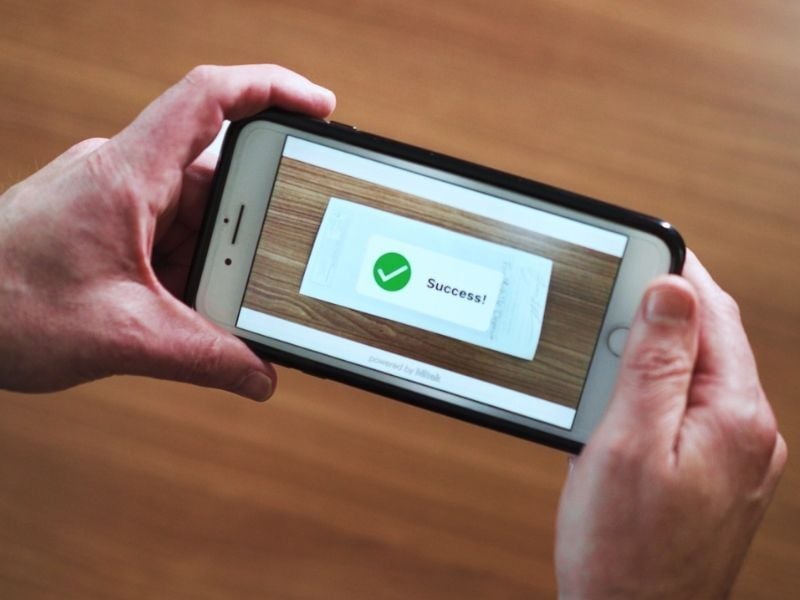
Person taking picture of check for mobile deposit
Mobile Deposit

Make Deposits From Your Phone

Got a paper check? Skip the line. Use the Mobile Banking app to snap photos of the front and back, submit it, and get on with your day.

Mobile Deposits are posted within the following hour to your account, Monday through Friday!

  • Flash-1--Streamline-MicroQuick
  • icon-lightbulbConvenient
  • Check-Circle-2--Streamline-MicroEasy

Direct Deposit

Have your pay deposited directly to your account so you get paid quickly and easily.

Here's what you'll need when setting up:

If you want to deposit into your Checking account, use your MICR number.

If you want to deposit into your Savings account, use your Member Number.

263183175

Tyndall Federal Credit Union
P.O. Box 59760
Panama City, FL 32412-0760

It may be your entire paycheck or a specific dollar amount per paycheck.

Skip-a-Payment

Need a little breathing room?

With Skip-a-Payment, you can skip an eligible loan payment up to twice per calendar year.*

  • Multiple-Stars--Streamline-MicroConvenient
  • Receipt--Streamline-MicroNo penalties
  • Multiple-Files--Streamline-MicroNo paperwork
Woman with son on phone

Features

Offered year-round

Submit easily through Online Banking

No damage to your credit score

Young man in car on phone
Bill Pay

Pay Bills Without the Mental Clutter

With Bill Pay, you can manage and schedule payments from one secure place. See what’s due, what’s been paid, and where your money is going without bouncing between websites.

  • Time-Clock-Circle--Streamline-MicroSchedule Ahead
  • Mobile-Phone--Streamline-MicroAll Bills in One Place
  • icon-flexibleFlexible Options

Features

Secure and safe

Pay a person or business

eBills

Frequently Asked Questions

  1. Log in to the Mobile Banking App
  2. Click Deposits at the bottom of your screen
  3. Select the account you would like to deposit to
  4. Enter the amount of the check
  5. Capture a clear image of the front and back of your check
  6. Tap Deposit

You will receive confirmation on your screen "Your check has been deposited." Additional deposit status details will be emailed to the primary account holder's email address on file.

Mobile Deposits that are auto-approved will post to your account on the business day that you deposit it.

Posting runs bi-hourly, so the longest you should have to wait to see your deposit is 2 hours after you've received your email informing you that the deposit was approved.

Mobile Deposits that require review are reviewed in the order received. You will receive an email communication to inform you that your check has been received and that it is being reviewed. After the review is complete, you will receive a follow-up email to inform you of the status of the deposit.

It depends. Your relationship with Tyndall is considered in the evaluation of the deposit, as well as the type of check that was deposited.

Funds are subject to Regulation CC; funds availability may vary. Please review your available balance by logging into Online or Mobile Banking. If any funds are placed on hold, up to $5,525 will be available the second business day, and anything over $5,525 will be available on the 5th business day.

Make Payments Your Way

*Excluding Real Estate, Home Equity and HELOC, Mobile Home Loans, Workout Loans, Courtesy Pay Loans, Credit Builder Loans and Account Secured Loans. Offer subject to approval. All loans must be current to qualify. Must have made the previous month's payment before skipping a payment. A loan’s first payment is not eligible for Skip-a-Payment. Eligible loans can be skipped up to 10 days after the due date. However, if automatic payments are set from a non-Tyndall Financial Institution, your loan is skip-eligible 10 days before the payment due date. If you choose to skip a payment, interest will continue to accrue on your loan and it will take longer to repay the loan. On each eligible Tyndall loan, you may only skip a loan payment two (2) times per year, even though the Skip-a-Payment program is offered year-round. If you booked your loan under a 90 Days No Payments promotion, the loan is ineligible to be skipped until after the initial 12 payments have been made. If you have elected GAP coverage, you may skip payments up to ten (10) times for contracts dated after April 29, 2026, or up to six (6) times for contracts dated before April 29, 2026. Your accounts and loans must be in good standing in order for you to be eligible for the Skip-a-Payment program. Membership may not show a bankruptcy on file. Membership required; NO membership fee applies.